As the year winds down, it is easy for businesses to focus on holidays, budgets, and planning. But this is also the best time to tighten up the technical loose ends that quietly build risk over the year. A few focused checks now can save you from downtime, security incidents, and expensive surprises in January.
Below is a simple, practical checklist any small or midsize business can follow. These items take minimal time, but they give you a cleaner, safer, more predictable start to the new year.
1. Confirm Your Backups Are Actually Recoverable
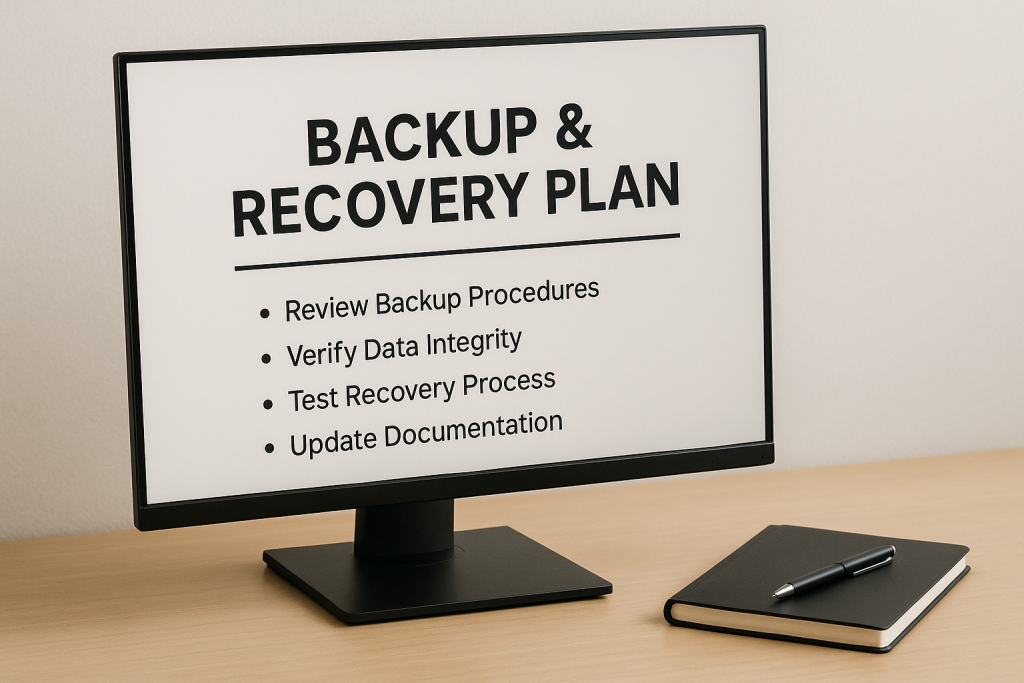
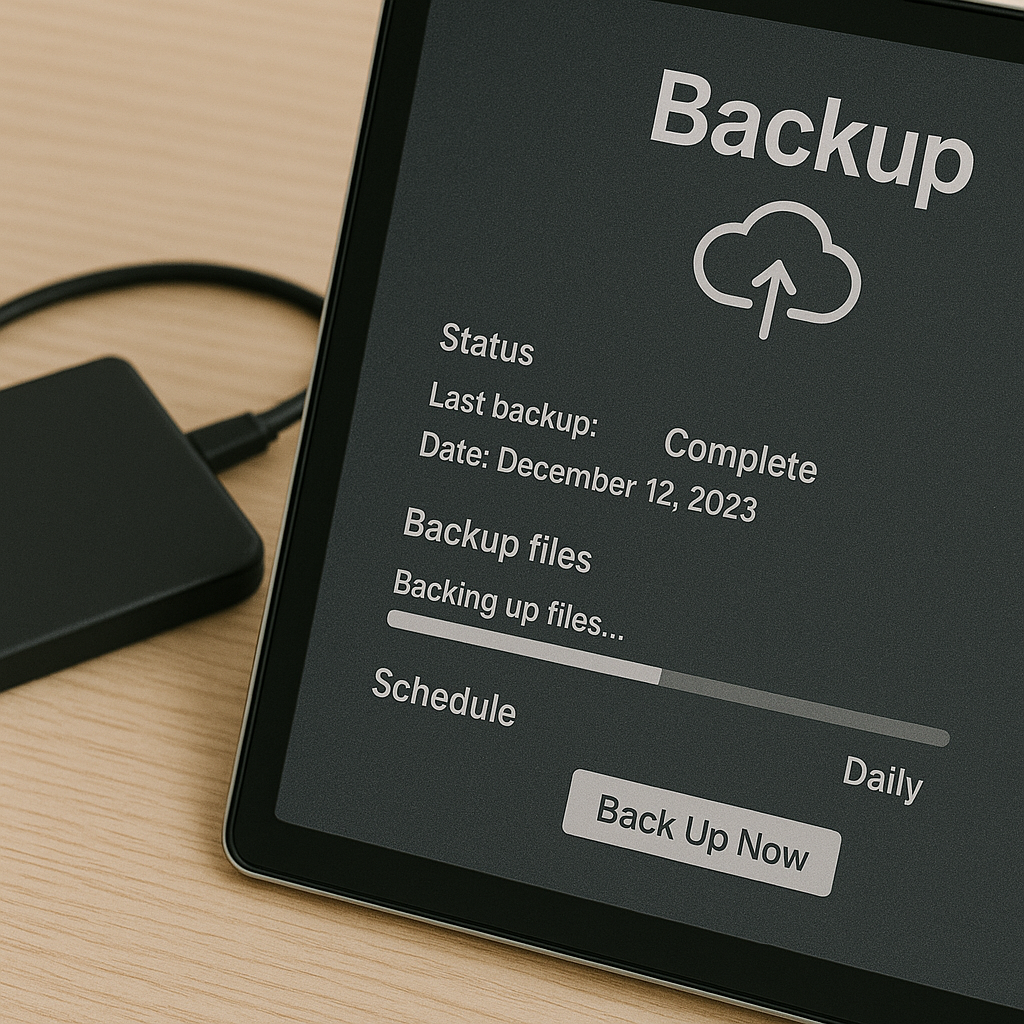
Do not settle for “backups ran successfully.” The real question is whether you can restore from them.
Test at least one server or critical dataset.
Verify cloud backup retention periods.
Ensure offsite copies exist and are intact.
A successful restore test is worth more than a month of backup logs.
2. Patch Servers, Workstations, and Firewalls
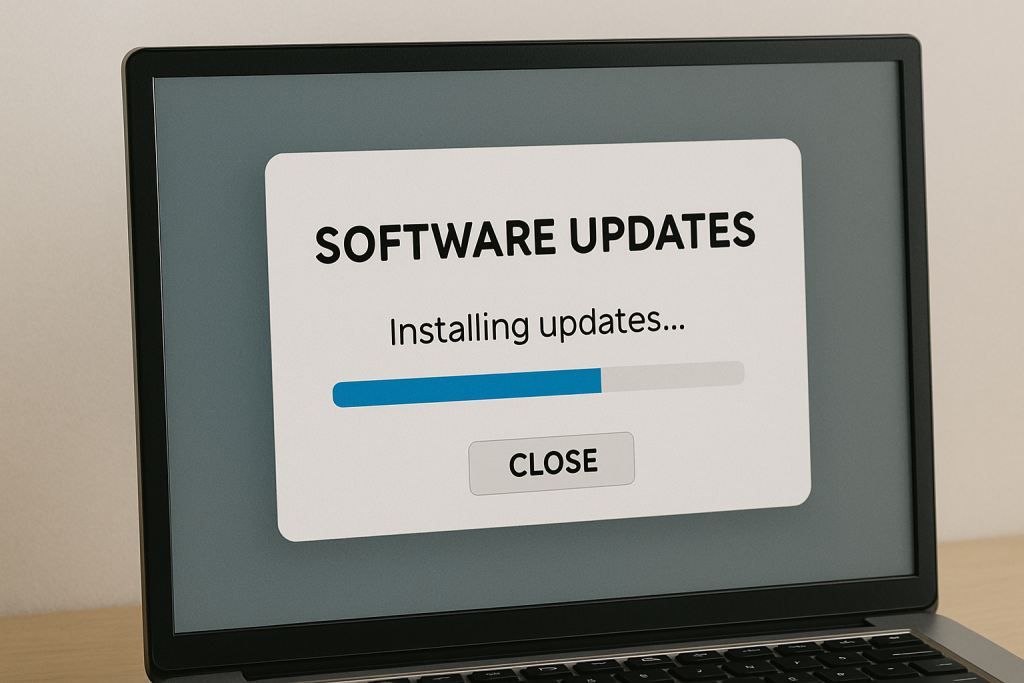
Year-end is the perfect time to make sure all your systems are up to date.
Apply OS and application updates.
Check firmware updates on switches, APs, firewalls, and NAS devices.
Make sure unsupported versions are not sneaking into production.
Old patches are one of the most common entry points for security breaches.
3. Review User Access and Offboarding
Access tends to accumulate over time. That creates unnecessary risk.
Remove accounts for former employees.
Audit admin privileges to ensure they are still required.
Disable or delete unused shared mailboxes or service accounts.
Fewer unnecessary accounts mean fewer ways attackers can get in.
4. Review Your Cyber Insurance Requirements
Insurers are tightening their standards. Make sure you are not accidentally out of compliance.
Confirm MFA is enforced on all critical systems.
Review backup, EDR, and patching requirements.
Document any changes made this year.
A denied claim due to a missing control is a painful way to start January.
5. Evaluate Your Hardware for 2025
Aging equipment slows down your team and increases failure risk.
Identify machines nearing end of life.
Assess warranty status for servers and network gear.
Plan budgets for replacement or extended warranties.
This avoids scrambling mid-year when devices suddenly die.
6. Clean Up Your Tech Stack
Year-end is the right time to trim digital clutter.
Remove unused SaaS subscriptions.
Consolidate duplicate tools.
Review license counts to avoid overpaying.
Most businesses can save real money here without sacrificing capability.
7. Revisit Your IT Strategy for the Coming Year
Do not roll into January without a plan.
Review your roadmap with your MSP or internal team.
Identify bottlenecks, recurring issues, and user pain points.
Set 1 or 2 meaningful IT goals for Q1.
A little intentional planning goes a long way.
Final Thoughts
You do not need to overhaul your entire environment in December. But doing these targeted checks sets you up for a secure and efficient start to the new year. If you want help reviewing your environment or planning your 2025 roadmap, AulTECH is here to make the process simple and stress-free.