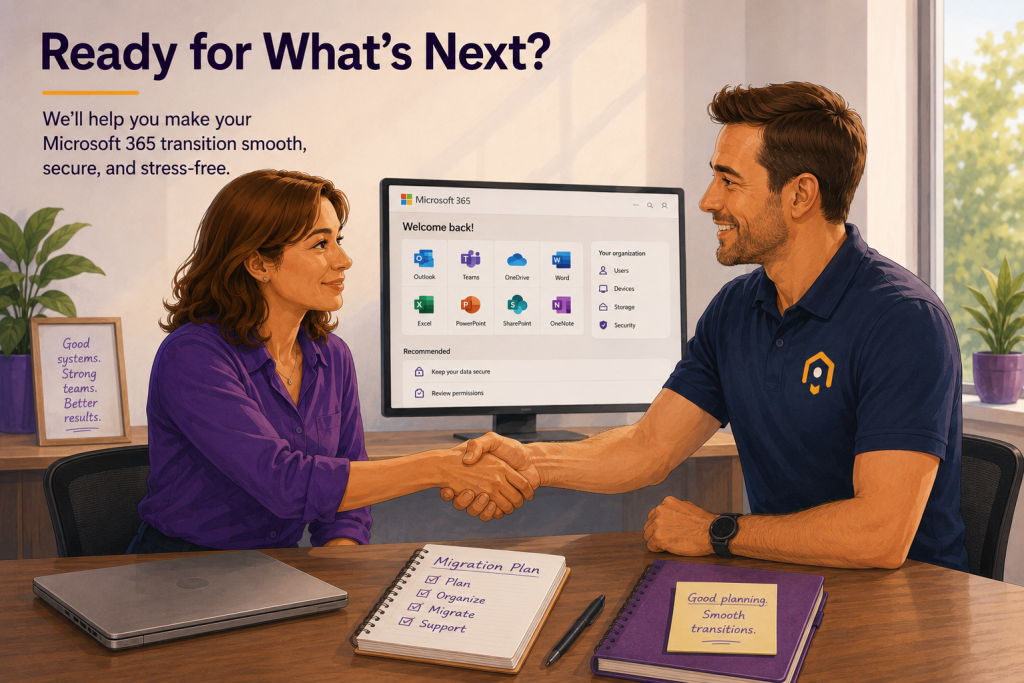
If your business has outgrown Google Workspace, you’re not alone.
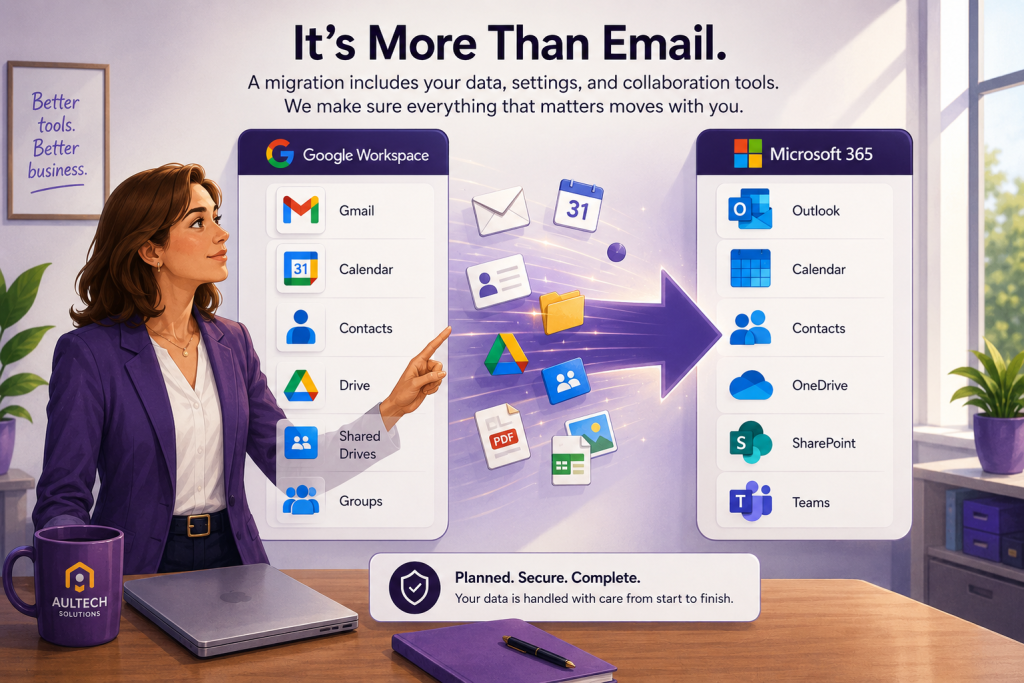
Many small businesses start with Gmail because it’s familiar, affordable, and easy to set up. As the business grows, however, managing files, securing devices, and collaborating across teams often becomes more challenging. That’s when many organizations begin looking at Microsoft 365.
The good news is that moving from Google Workspace to Microsoft 365 is entirely possible. The key is having a plan.
Why Businesses Make the Switch
Every organization has different reasons for migrating, but some of the most common include:
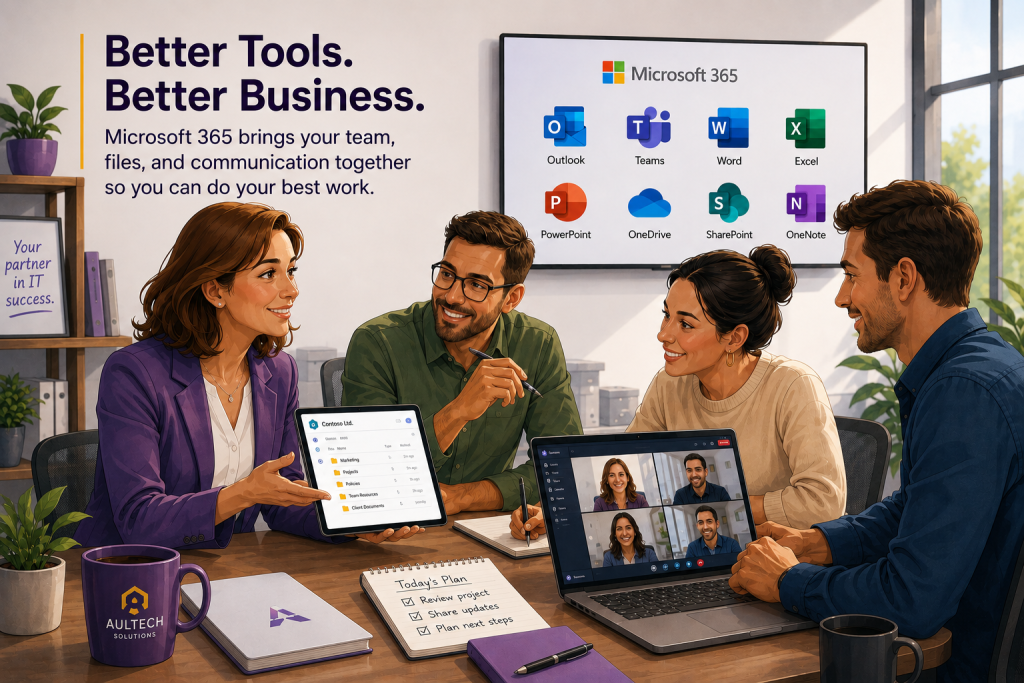
Better integration with Microsoft Office applications like Outlook, Word, Excel, and Teams
More advanced security features such as Conditional Access and Microsoft Defender
Device management through Microsoft Intune
Improved document collaboration with SharePoint and OneDrive
A standardized platform for businesses already using Windows PCs
The goal isn’t simply to replace Gmail. It’s to provide employees with tools that work together while improving security and productivity.
Why Businesses Make the Switch
Every organization has different reasons for migrating, but some of the most common include:
Better integration with Microsoft Office applications like Outlook, Word, Excel, and Teams
More advanced security features such as Conditional Access and Microsoft Defender
Device management through Microsoft Intune
Improved document collaboration with SharePoint and OneDrive
A standardized platform for businesses already using Windows PCs
The goal isn’t simply to replace Gmail. It’s to provide employees with tools that work together while improving security and productivity.
What Happens to Google Drive?
This is often one of the biggest questions.
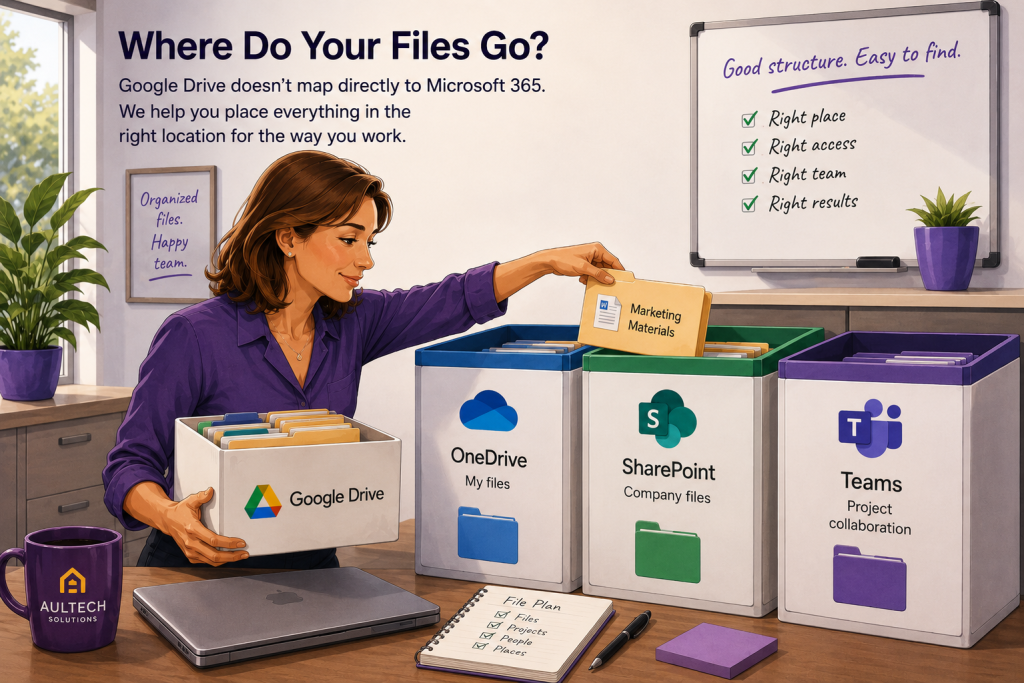
Google Drive doesn’t map directly to Microsoft 365. Instead, files typically move into one of three destinations:
OneDrive for an individual’s personal work files.
SharePoint for shared departmental or company documents.
Microsoft Teams when files belong to a team collaborating on projects.
Choosing the right destination is more important than simply copying files. A well-organized structure makes it easier for staff to find documents long after the migration is complete.
Will There Be Downtime?
For most small businesses, downtime can be kept to a minimum.
Employees usually continue working during most of the migration. The final email cutover is scheduled carefully to reduce disruption, often outside normal business hours.
Planning ahead also helps avoid surprises with mobile devices, Outlook profiles, and DNS changes.
Common Challenges
No two businesses are exactly alike, but these are some of the issues that often require extra attention:
Shared calendars
Large mailboxes
Complex folder permissions
Shared Drives with multiple owners
Mobile device configuration
Multi-factor authentication
Microsoft licensing
Identifying these items before migration day makes the process much smoother.
Is It Worth Switching?
For many organizations, yes.
Businesses that rely heavily on Microsoft Office, use Windows devices, or want stronger security and management tools often find Microsoft 365 to be a better long-term platform.
That doesn’t mean Google Workspace is a poor product. It simply means each platform serves different needs, and the right choice depends on how your business operates.
Planning Makes the Difference
Successful migrations are less about moving data and more about understanding how people work.
Taking time to review users, files, permissions, devices, and business processes before the move can significantly reduce support issues afterward.
Need Help with a Google Workspace Migration?
Whether you’re planning ahead or already committed to making the switch, having an experienced migration plan can reduce downtime and help ensure nothing important is overlooked.