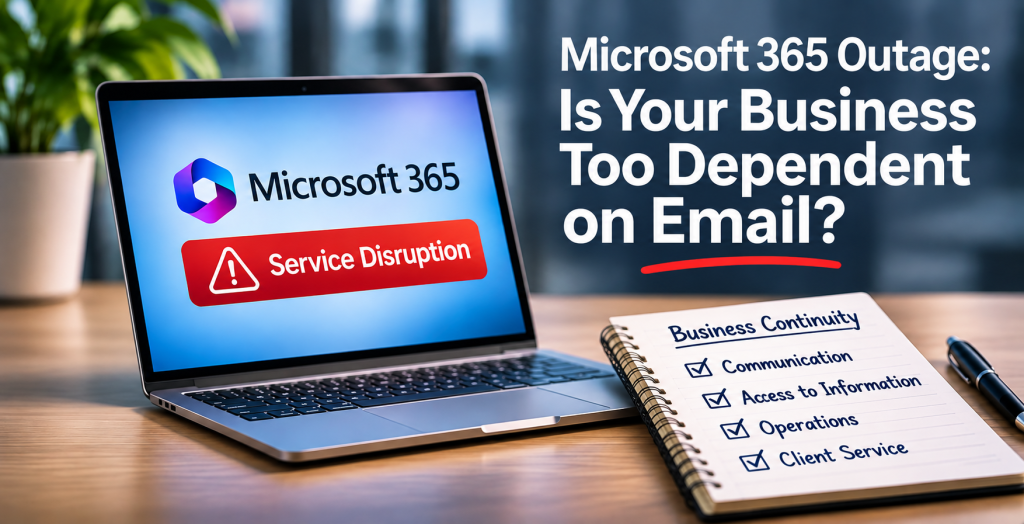
Yesterday’s Microsoft 365 service disruption was a useful reminder that business continuity is about more than protecting files. It’s about keeping work moving when a tool your team relies on becomes unavailable.
If email stopped working for four hours, which parts of your business would stop with it?
Consider the everyday work that happens inside an inbox: a customer requests a quote, an employee asks for approval, a supplier confirms an order, or a manager assigns an urgent task. If those messages are the only record of the work, a disruption can leave everyone waiting.
The problem isn’t that businesses use email. It’s that email has become the workflow itself.
01
Identify how orders, approvals, customer requests, payments and urgent decisions move through the business.
02
Ask what happens when a message can’t be sent, received or retrieved.
03
Store assignments, status and decisions somewhere other than a personal or shared inbox.
04
Phone or SMS may be appropriate for urgent communication. An online form that only sends email to the same mailbox is not a fallback.
05
Pick one important workflow and try to complete it without email for four hours. Record what breaks and fix the biggest bottleneck first.
A second way to send messages can be useful, but it doesn’t automatically solve the underlying problem. A customer request still needs an owner. An approval still needs a record. A task still needs to be visible to the people responsible for completing it.
For important processes, use a system that tracks the work independently of the messages that announce it. A service desk, customer relationship management system, order platform, or approval queue can provide that visibility. Of course, the alternative system must also be accessible during the outage you’re planning for.
Small businesses don’t need to duplicate every tool or build an elaborate disaster recovery environment. Start with the activities where a few hours of interruption could mean lost sales, delayed service, missed deadlines or frustrated customers.
Also check for hidden dependencies. If your alternative workflow requires the same Microsoft sign-in service or sends all its alerts through Microsoft 365, it may fail at the same time. A fallback is only useful when it survives the problem you’re preparing for.
Even major cloud platforms can experience disruption.
You can’t prevent every provider outage, but you can decide whether a single unavailable tool brings your operations to a halt. A resilient business isn’t one that never experiences technology problems. It’s one that can keep serving customers when those problems happen.
If you’re unsure, that’s a good place to start. During a Complimentary Technology Check-In, we can look at one of your important business workflows, identify where it depends too heavily on a single system, and discuss practical ways to reduce that risk.